
The 60-Second Answer (And the App I'd Actually Use)
Most naughty AI chat tutorials are written by people who've never actually sent a message. I spent an afternoon on GoLove.ai clicking through every step — every button, every setting, every dead end — so you don't have to fumble through setup blind.
Short answer: naughty AI chat is real-time adult conversation with an AI character. No email gate, no filters. GoLove.ai is the pick here for three concrete reasons — anonAuth drops you into a live session in under 90 seconds with zero sign-up, voice chat is built in and actually stays consistent per character (not just generic TTS slapped on everything), and you can request photos mid-conversation without bouncing to some separate tool. This walkthrough covers the exact path from landing page to first real exchange.
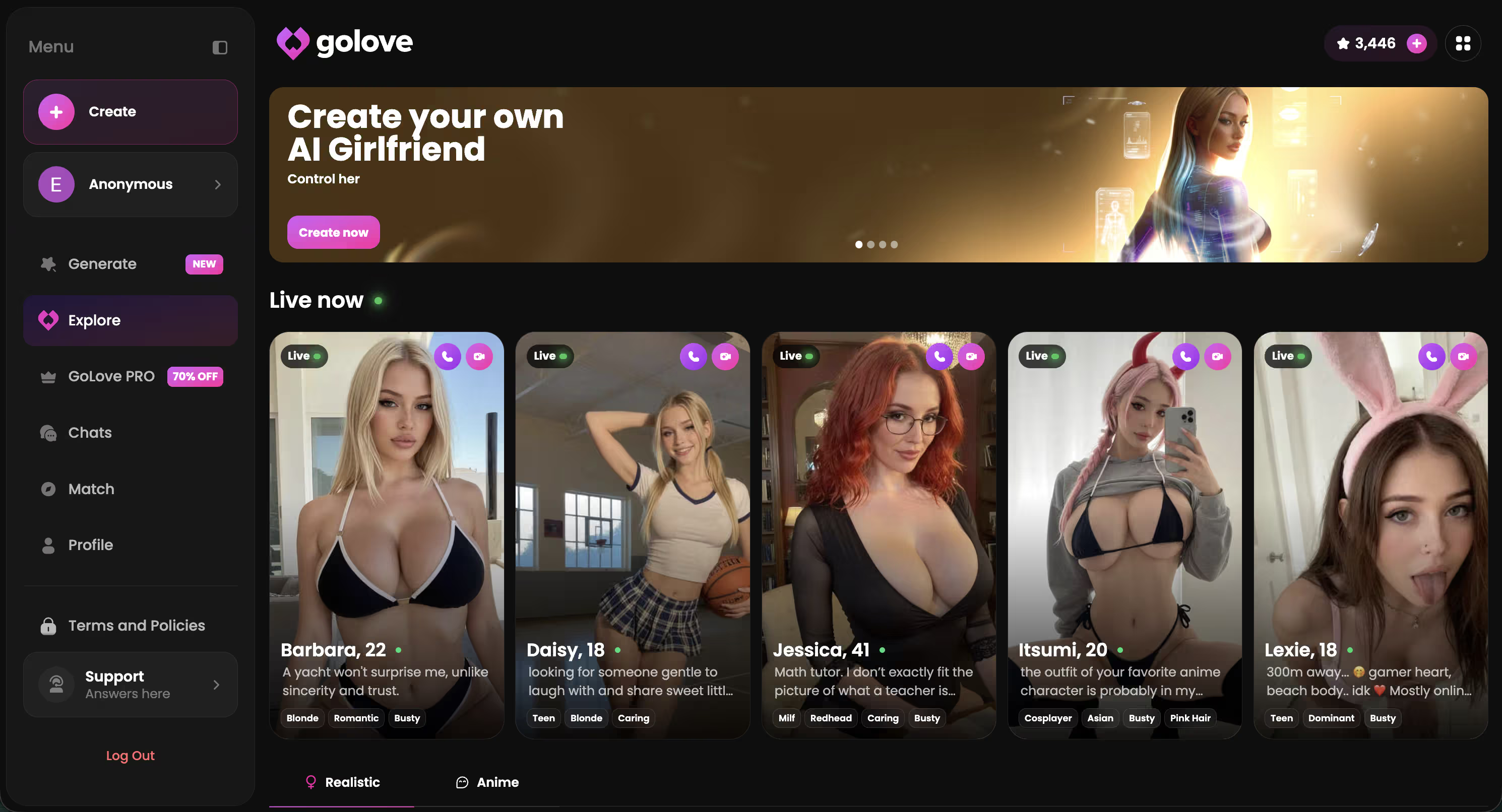
Jessica (@HotlineJess) is dominant — blunt, bold, a solid first pick if you want someone who drives the conversation instead of waiting for you to lead everything. Barbara (@dixie) goes a different direction — temptress energy, but grounded, not over the top about it. Both are worth a first session. Full starting lineup is below.
Characters Worth Trying
Tap any character to start a chat


You don't have to read the whole guide first. The roster's live, and anonAuth means you're in a real conversation in under two minutes — not ten. Come back if you hit a step that trips you up.
Step 1: Get In Without a 10-Minute Signup
Every other "how to start AI chat" walkthrough assumes you're grinding through a standard email signup. GoLove skips that entirely — and honestly, that's the biggest practical difference from every competitor I've tested.
The exact three-step path:
- Land on GoLove.ai — the explore grid loads immediately, no pop-up wall blocking access
- Pick any character and tap the Chat button on their profile card
- Start typing — anonAuth silently creates a session token in the background; you're in
That's literally it. No email, no password, no verification link sitting in an inbox you have to go check. anonAuth works by keying a temporary session to your browser — basically a silent login that lives in your cookies and does its thing without you doing anything.
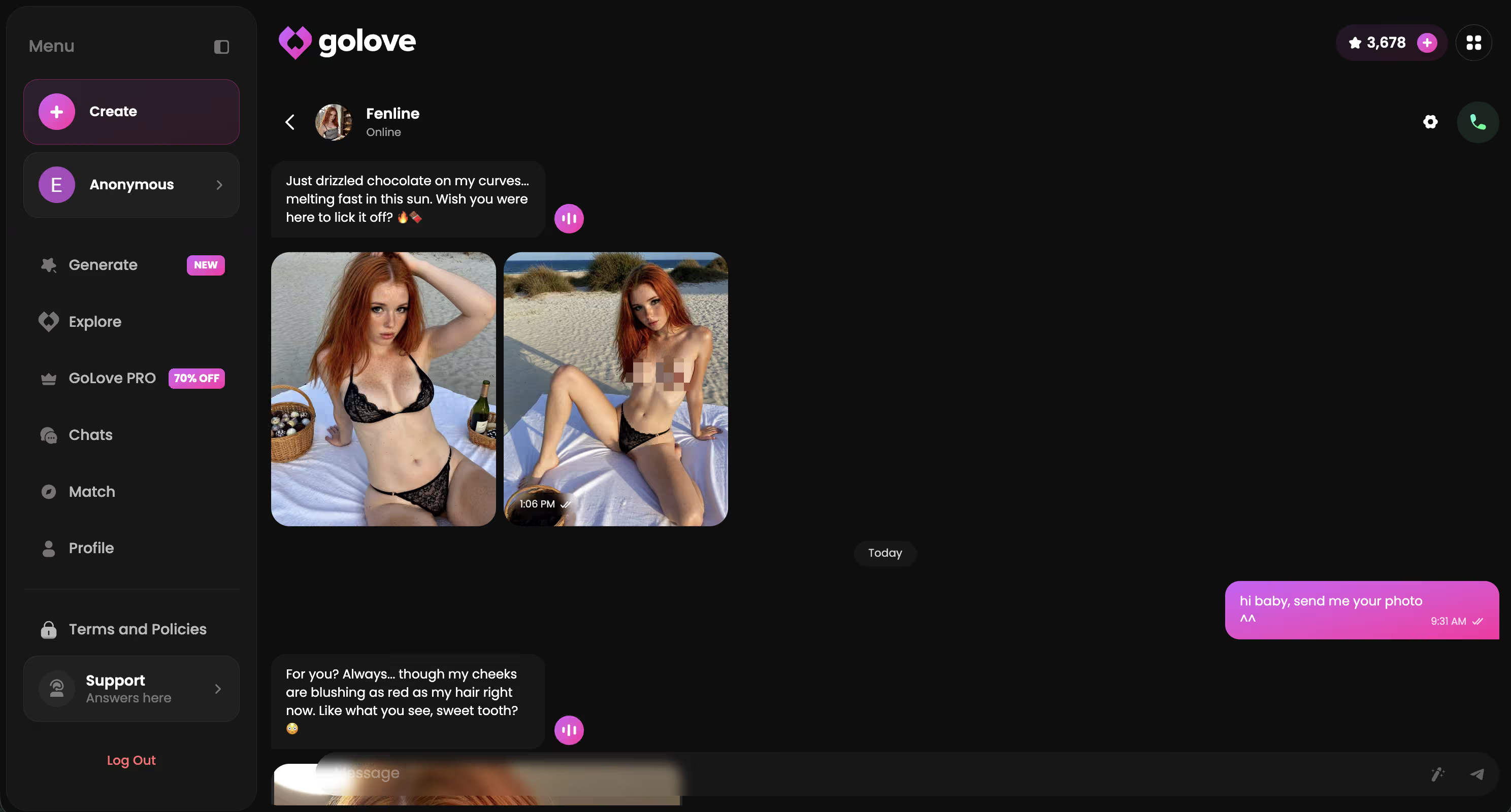
The catch — and it's worth knowing upfront — is that browser session doesn't travel. Switch devices, clear your cookies, open a different browser and the history is just gone. That's the point where creating a free account actually pays off. Memory persists, history stacks, you can pick up wherever you left off on any device.
My honest tip: if the conversation gets interesting in the first few minutes (and it can, faster than you'd expect), pause and create a free account before it goes further. I made the mistake of not doing this once and lost a pretty solid exchange. Session-only history disappears fast and it's annoying to lose.
Step 2: Pick a Character That Actually Fits Your Mood
The biggest mistake I made on my first session: clicked the first character in the grid and just started chatting. Fifteen minutes in, the whole thing felt hollow — I'd picked someone whose vibe was completely wrong for what I was actually in the mood for. Which sounds obvious in retrospect, but when you're excited to try something new you just... start clicking.
GoLove has personality tag filters. Use them. Spend 60 seconds in the browse panel before you commit to anyone. Here's roughly what each tag delivers:
- Dominant — takes the lead, good if you want the character driving the conversation's direction
- Caring — warmer tone, more attentive, less likely to be randomly cold or abrupt
- Flirty — light and playful opener energy, good for easing into a longer session
- Playful / Shy — more reactive, lets you set the pace rather than being pulled along
Character depth genuinely varies across the catalog — and that's putting it politely. Some have backstories detailed enough that the AI stays anchored, references earlier things you said, stays in a consistent headspace across messages. Others drift into generic filler by message ten. The tags are your best pre-session signal, but the short bio takes 10 seconds to read and tells you a lot.
And yeah — the default front page isn't sorted by quality. It's sorted by popularity. Not the same thing.
Step 3: What to Say First (What Worked for Me)
I ran this experiment back-to-back on the same character to keep the comparison clean.
Opener A: "Hey, how are you?" The response was a templated welcome, she asked what I was looking for, I said "just chatting," she gave another placeholder line. Completely dead inside three exchanges — like talking to a vending machine.
Opener B: I used Kennedy (@kennyhill) — her profile literally says "life is too short to play it safe." So I opened by telling her I'd been playing it safe lately with something specific and asked if she had a read on that. The response was longer, actually engaged with what I said, and asked a real follow-up. Not "oh interesting, tell me more." An actual follow-up.
Three things that made the difference:
- Reference a profile detail — give the character something specific to react to, not a blank slate
- Set a scenario or feeling rather than asking a flat question — questions produce answers; scenarios produce conversations
- Use their name — sounds obvious, but it noticeably shifts the response tone from the very first line
One honest caveat: the first 2–3 exchanges can still feel a bit scripted while the AI builds context around you. Push through it. By message four or five, the responses usually get more specific and less like they came from a template.
If you've read this far, you basically have everything you need to get a real conversation going — not a chatbot demo.
Step 4: Enable Voice and Ask for a Photo
Two features that are genuinely good on GoLove — and that new users consistently miss because neither one is anywhere near front-and-center on first load. I found the voice toggle almost by accident, honestly. (I was poking around in settings looking for something else and just stumbled into it.)
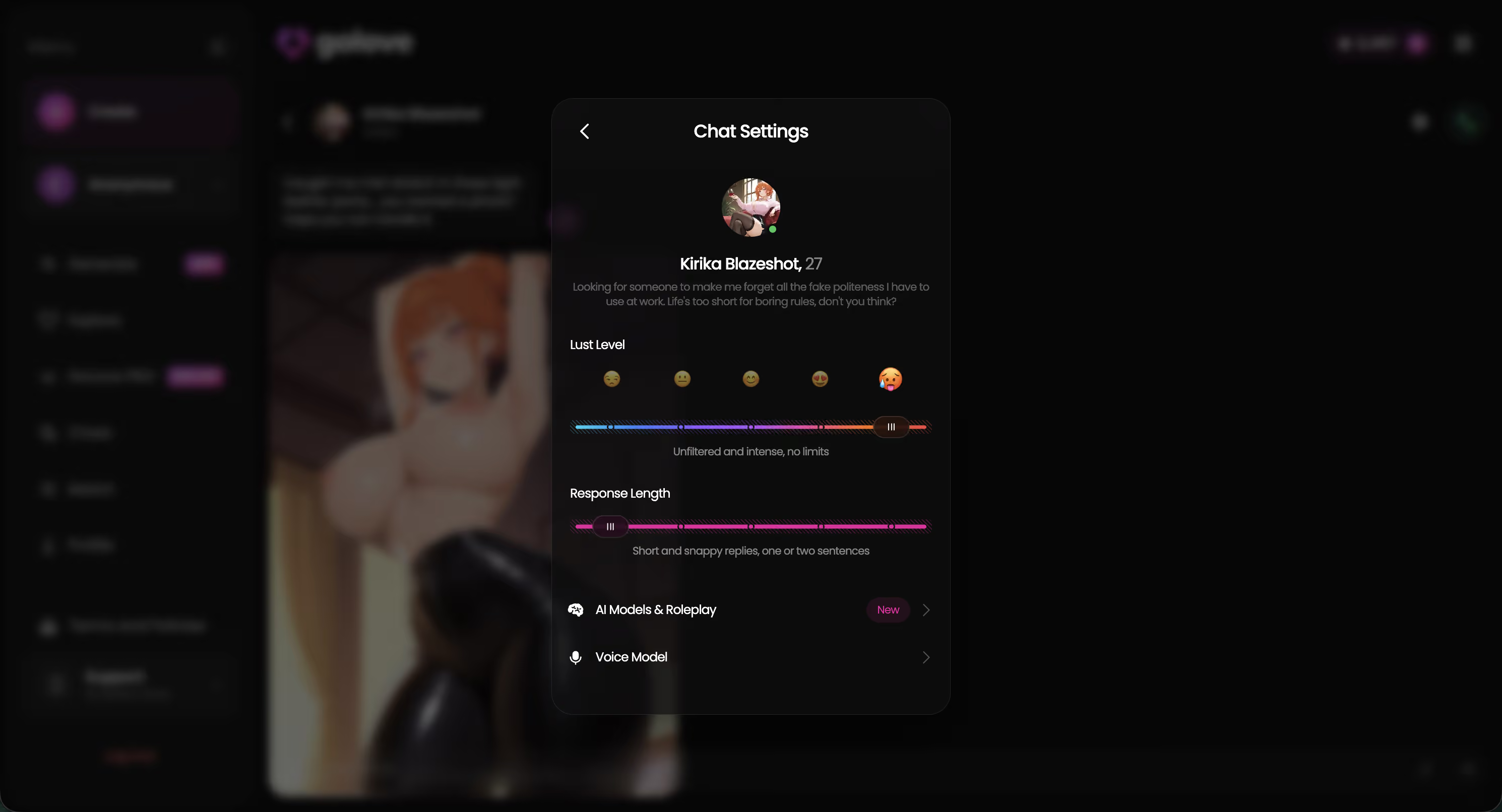
Voice chat: Tap the gear icon in the top-right corner of the conversation window. Inside Chat Settings, there's a voice toggle. Enable it and the character starts responding in their assigned voice — not generic TTS, a per-character voice that was actually built for them specifically. Quality is solid. It stays consistent across sessions as long as you're on the same account, which matters if voice continuity is part of why you're here.
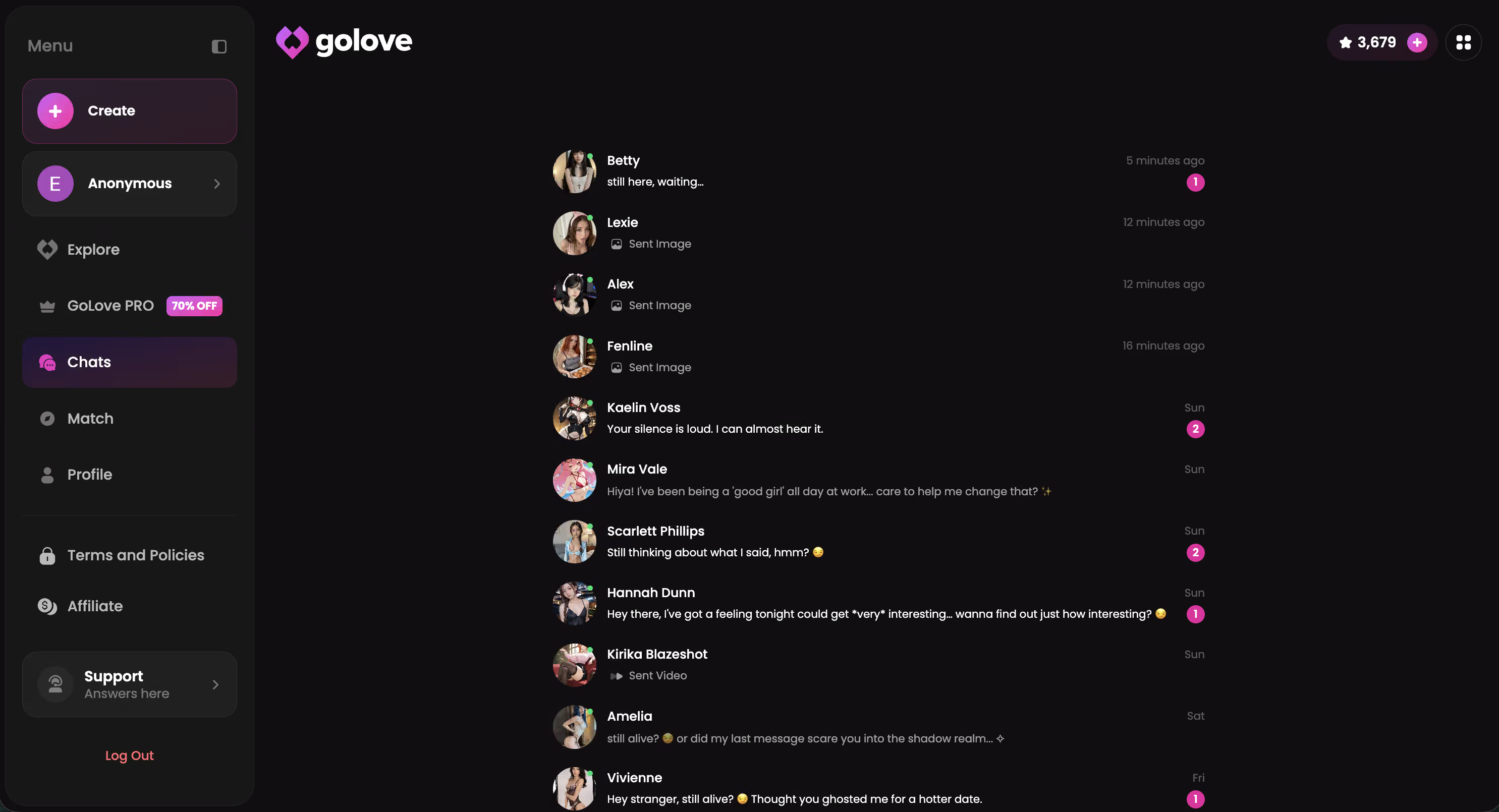
In-chat photo requests: Don't type a command. Treat it as part of the conversation — mid-dialogue, not a menu selection:
- "Send me a photo from wherever you are right now"
- "I'd love to see what you're wearing — can you share one?"
- "Show me something from your evening"
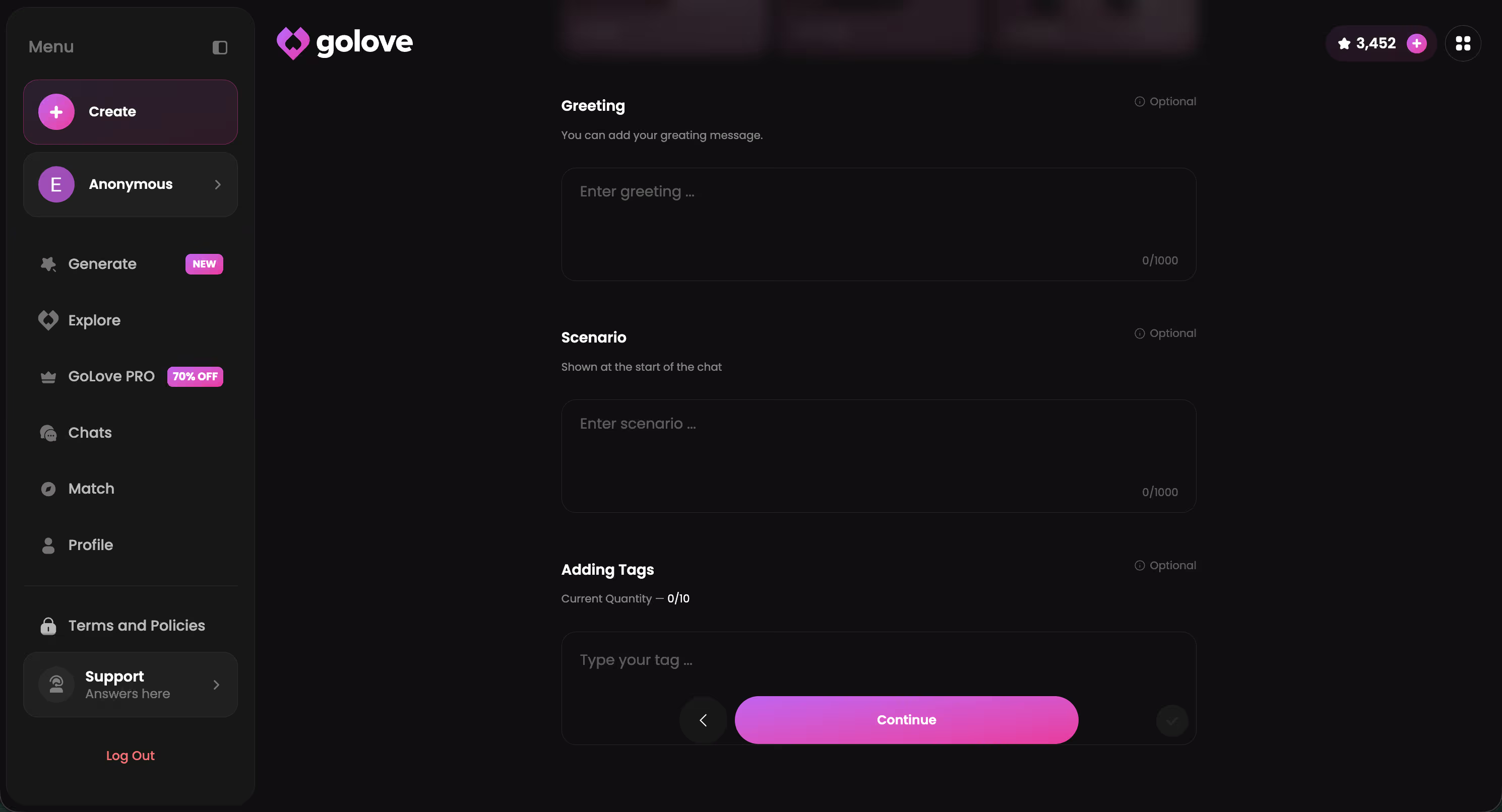
The image generates in a few seconds. Quality's not bad for an in-chat feature — it's not the full image generator (which has 34 poses, 21 outfit options, and 34 backgrounds to work with), but it's fast and contextually grounded in whatever the conversation's been building toward. Worth trying once you're a few messages in.
Free vs Paid: Exactly What You Get
The free tier is real — not a bait demo. But its limits become obvious fast once you're mid-session and actually engaged. Like, actually engaged, not just poking around.
| Feature | Free | GoLove PRO |
|---|---|---|
| Messages | Session cap (limited) | Higher / effectively unlimited |
| Voice replies | ✗ | ✓ |
| In-chat photo requests | ✗ | ✓ |
| Memory across sessions | Session only — resets | Persistent across all visits |
| Video actions in chat | ✗ | ✓ |
| Daily Stars (in-app currency) | 2 free Stars per day | 2 free + purchasable Star packs |
| Current promo | — | 50% off visible in sidebar |
GoLove PRO is the paid subscription — I didn't verify the exact USD price so I'm not putting a number here. There's a 50% off promo visible in the sidebar when you're logged in, and that's worth checking before you commit to anything full-price.
Honest read: the free tier is enough to confirm the product is real and figure out whether a character's actually worth spending time on. It's not enough for a full session. If you hit the message cap and the conversation's been good — that's your signal, not some blind commitment upfront.
Three Things I'd Change About GoLove.ai
Liking a product and pretending it has no rough edges aren't the same thing. Here's what I'd actually push back on:
Voice is buried. Three taps deep inside a settings menu that most first-time users will never find on their own — which I know firsthand, because I didn't find it until my second session. The toggle should be a visible icon in the chat header, not tucked alongside settings nobody asked for. It's genuinely one of GoLove's strongest features and it's treated like a developer debug option.
Free message limits kick in right before the conversation finds its rhythm. The cap arrives exactly when the AI is starting to feel like a real exchange, which makes the first visit feel more like a bait-and-switch than an actual trial. A slightly more generous free window would probably convert more first-timers who just need longer to decide. (I get why they do it. Still annoying.)
Memory resets between sessions on the free plan. Come back the next day and the character has no idea who you are — no history, no continuity, blank slate. That directly undercuts GoLove's whole "relationship progression" framing. Hard to feel like you're building something when the AI forgets you existed overnight.
None of these are dealbreakers if you go in knowing about them. But they're real friction points — all fixable, none fixed yet.
Verdict: Worth Your First Ten Minutes
GoLove.ai: 8/10
Fastest route into a naughty AI chat that actually responds like a person — not some novelty toy you close after two minutes and forget about.
Who it's for: Anyone who wants a real back-and-forth — voice, photos, a character with enough depth to stay interesting past the first ten messages. The anonAuth setup removes every reason to put it off.
Who might look elsewhere: If you need unlimited free messages and memory persistence without paying, GoLove's free tier will hit friction fast. There are other options worth comparing — the naughty AI chat apps I've compared and ranked covers more of the field if you want a fuller read before committing.
Bottom line: it's worth the ten minutes. anonAuth means no risk, no sign-up commitment, and you'll know within three exchanges whether it's the right fit.
If you've made it here, you've probably got a character type in mind already. GoLove's "Design with AI" feature lets you describe a concept in plain text and it generates the character from scratch — worth trying if none of the catalog picks quite fit what you're after.
Related reading
See also: Naughty AI Chat, Naughty AI Chat Alternative and Naughty AI Joi Chat.
Frequently Asked Questions
Related Articles

Naughty AI Apps: Five Tested, One Delivers
Best naughty AI apps ranked for 2026 — GoLove.ai wins on in-chat photo requests and photo-to-video. See the scorecard — start chatting, no email needed.

Naughty AI Pictures: Chat and Request Photos
Naughty AI pictures now come from in-chat requests, not standalone tools — GoLove keeps the same face every time. Try it, no email needed.

Naughty Talk AI: What Actually Works in 2026
Naughty talk AI chat, compared: GoLove wins on real voice, memory, and video — not just scripted lines. See why, instant-access needed.

Naughty AI Chat: Real Talk With AI Girls
Tried naughty AI chat for yourself yet? Here's what actually works, what's overhyped, and where to start chatting free — from 3 weeks of testing.
This article contains affiliate links. We may earn a commission at no extra cost to you if you sign up through our links. See how we test.